How to Import Excel Templates into Qlik Sense
February 10th, 2026 by AnyChart Team Many teams already have Excel templates that work: budgets, trackers, reporting sheets, and layouts that took time to get right. The friction starts when those templates live outside the Qlik analytics platform, which often means manual exports, multiple file versions, and results that can drift away from what dashboards show.
While you can build an Excel-style spreadsheet in Qlik Sense from scratch, a faster path is to add an entire template right away.
This tutorial shows how to import an existing Excel template into Qlik Sense using the Spreadsheets extension, so it works inside the Qlik app and stays in sync with live data and selections.
See the tutorial at qlik.anychart.com »
- Categories: AnyChart Charting Component, Big Data, Business Intelligence, Dashboards, Qlik, Tips and Tricks
- No Comments »
How to Use Excel with Qlik Sense: Comprehensive Guide
January 21st, 2026 by AnyChart Team Microsoft Excel has been declared obsolete countless times. Yet even with the rise of modern BI platforms like Qlik Sense by Qlik, spreadsheets remain central in enterprise analytics. And that is unlikely to change anytime soon.
These two worlds are not rivals; they complement each other. Qlik Sense delivers trusted data, scale, and interactive dashboards. Excel gives formulas, quick checks, and everyday collaboration in an interface everyone knows. Together, they bring a single source of truth plus the familiar flexibility of spreadsheets.
This article provides a comprehensive guide to using Excel with Qlik Sense. We will cover methods from simple exports and imports to advanced integrations such as automated reporting, live connectors, and embedding fully functional spreadsheets directly into Qlik dashboards.
Continue reading at qlik.anychart.com »
- Categories: AnyChart Charting Component, Big Data, Business Intelligence, Dashboards, Qlik, Third-Party Developers, Tips and Tricks
- No Comments »
Happy Holidays and Year-End Note for 2025
December 23rd, 2025 by AnyChart Team As 2025 winds down, we want to say thank you to our customers, partners, and everyone who builds and uses analytics every day. Merry Christmas and Happy New Year from all of us at AnyChart!
Closing out 2025, we are sharing this holiday sweater as a small nod to a theme we focused on this year ?
- Categories: AnyChart Charting Component, Big Data, Blogroll, Business Intelligence, Dashboards, Humor, JavaScript, News, Qlik
- No Comments »
How to Create Excel-Style Spreadsheets in Qlik Sense
December 17th, 2025 by AnyChart Team Many teams still rely on Excel because it is familiar, flexible, and fast for ad-hoc analysis. But when spreadsheet work happens outside Qlik, it often means extra exports, duplicate files, and numbers that can drift away from what your dashboards show.
This tutorial shows how to create an Excel-style spreadsheet directly inside Qlik Sense using the Spreadsheets extension, so users can work in a familiar spreadsheet interface without leaving the app.
See the tutorial at qlik.anychart.com »
- Categories: AnyChart Charting Component, Big Data, Business Intelligence, Dashboards, Financial Charts, Qlik, Third-Party Developers, Tips and Tricks
- No Comments »
AnyChart カイゼン:Qlik 拡張機能の最新イノベーションを発見しよう(東京・8月6日|CEO自ら進行)|Meet AnyChart CEO in Tokyo
July 29th, 2025 by AnyChart Team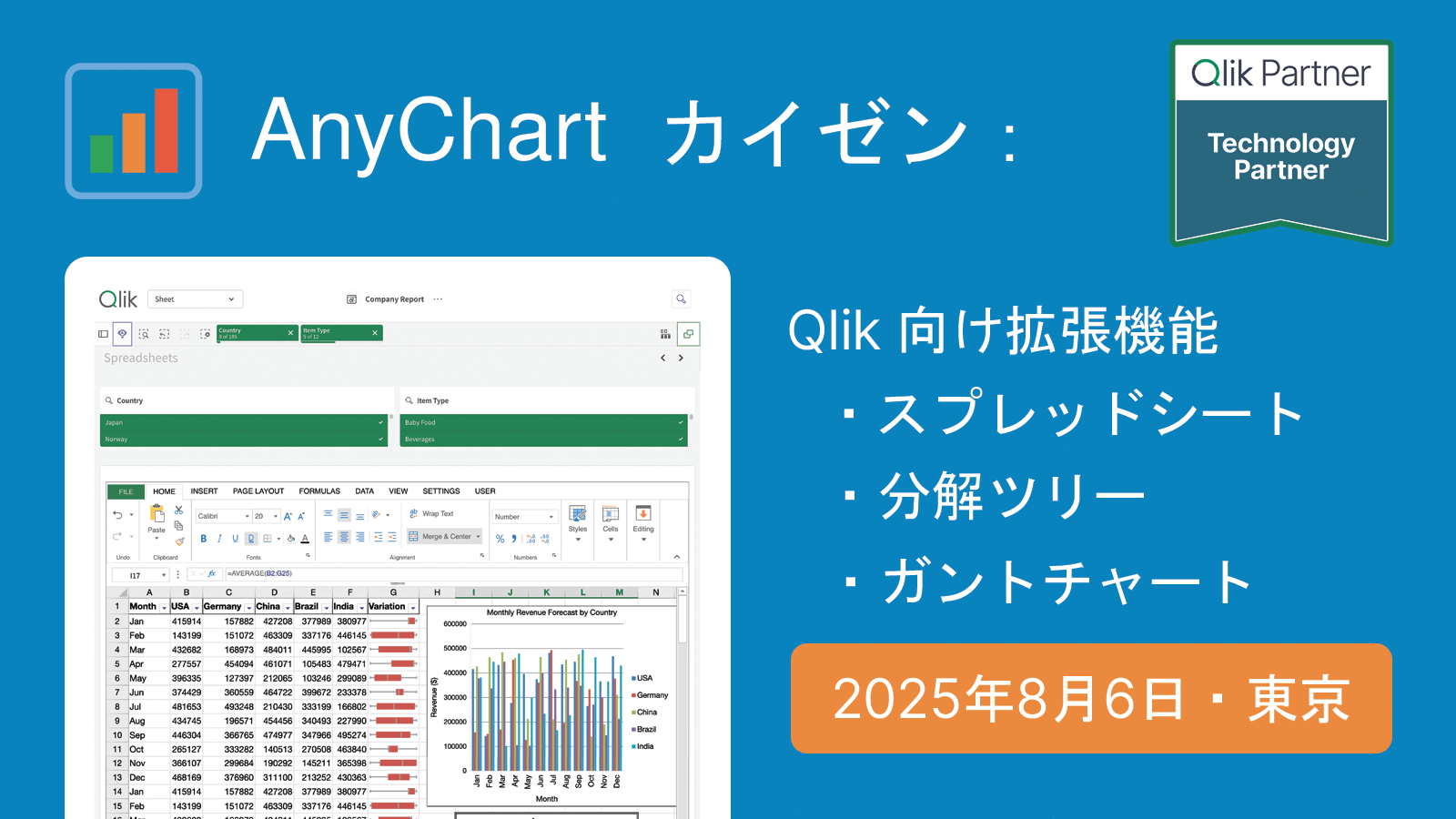 2025年8月6日(水)、私たちは東京にて、Qlik の分析環境を強化するための実用的なツールをご紹介する対面セッションを開催いたします。
本セッションでは、AnyChart 社 CEO の Anton Baranchuk が自ら進行を務め、Qlik Sense 拡張機能における最新のイノベーションを紹介し、それらが分析ワークフローをどのように改善し、より的確なデータドリブンな意思決定を支援できるかを実演を交えてご説明します。
We are pleased to invite you to an in-person session in Tokyo introducing practical tools to enhance your Qlik analytics environment.
During the session, AnyChart‘s CEO Anton Baranchuk will present the latest in Qlik Sense extensions, demonstrating how they can improve analysis workflows and support more informed, data-driven decision-making.
詳しく見る | Read more at qlik.anychart.com »
- Categories: AnyChart Charting Component, Big Data, Business Intelligence, Dashboards, News, Qlik
- No Comments »
Qlik Connect 2025 Recap: Incredible Ride for Excel-lence
June 19th, 2025 by AnyChart Team Qlik Connect 2025 is now in the books, and it was everything we hoped for — and more. Building on last year’s success, we returned to Orlando to find even more connections, deeper engagement, and a truly electric atmosphere around our booth. Our brand-new Excel-style Spreadsheets for Qlik Sense turned heads, and our chance-to-win activities became a real magnet on the show floor.
The buzz was real — just take a look below, then read on for a recap of our time at Qlik Connect:
Read more at qlik.anychart.com »
- Categories: AnyChart Charting Component, Big Data, Business Intelligence, Dashboards, News, Qlik
- No Comments »
Meet AnyChart at Qlik Connect 2025: Booth #1007 — Plus Chances to Win Apple Prizes!
April 30th, 2025 by AnyChart Team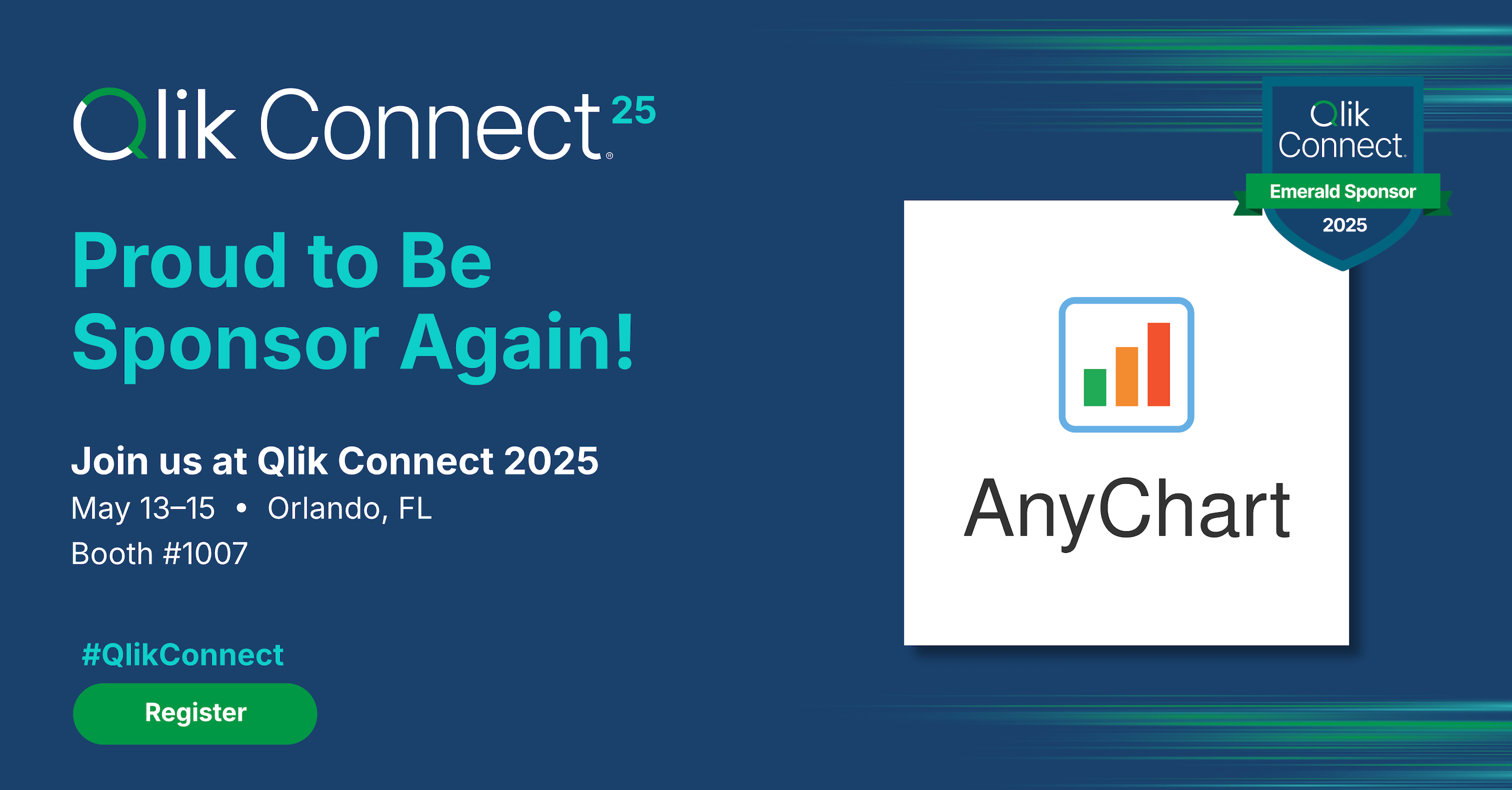 Qlik Connect 2025 is coming up fast, and we at AnyChart are excited to return as a sponsor and exhibitor after last year’s success! Mark your calendar for May 13–15 and join us at Disney’s Coronado Springs Resort in Lake Buena Vista, Florida.
Be sure to stop by Booth #1007 to explore the latest in our suite of Qlik Sense extensions. Discover Excel-like Spreadsheets for Qlik, see what’s new and upcoming in other tools, and enter our contests for a chance to win premium Apple prizes — including a MacBook, Apple Watch, iPad, and more!
Read more at qlik.anychart.com »
- Categories: AnyChart Charting Component, Big Data, Business Intelligence, Dashboards, News, Qlik
- No Comments »
Heading to Qlik Connect 2025 — Join Us There!
February 25th, 2025 by AnyChart Team We are going to Qlik Connect 2025! ?
Not packing just yet — May is still a bit away. But we are getting ready and looking forward to meeting the amazing Qlik community in Orlando, with lots of great presentations and conversations ahead.
We will be there with our Qlik Sense extensions, bringing something special to push the boundaries of visual analytics in Qlik even further. Make sure to stop by if you are around — we would love to connect!
And while we are counting down the days, feel free to check out how great it was last year — take a moment to revisit our Qlik Connect 2024 recap.
See you in Florida! ?
- Categories: Big Data, Business Intelligence, Dashboards, News, Qlik
- No Comments »
Introducing AI Splits for Instant Root Cause Insights in Qlik Sense
October 31st, 2024 by AnyChart Team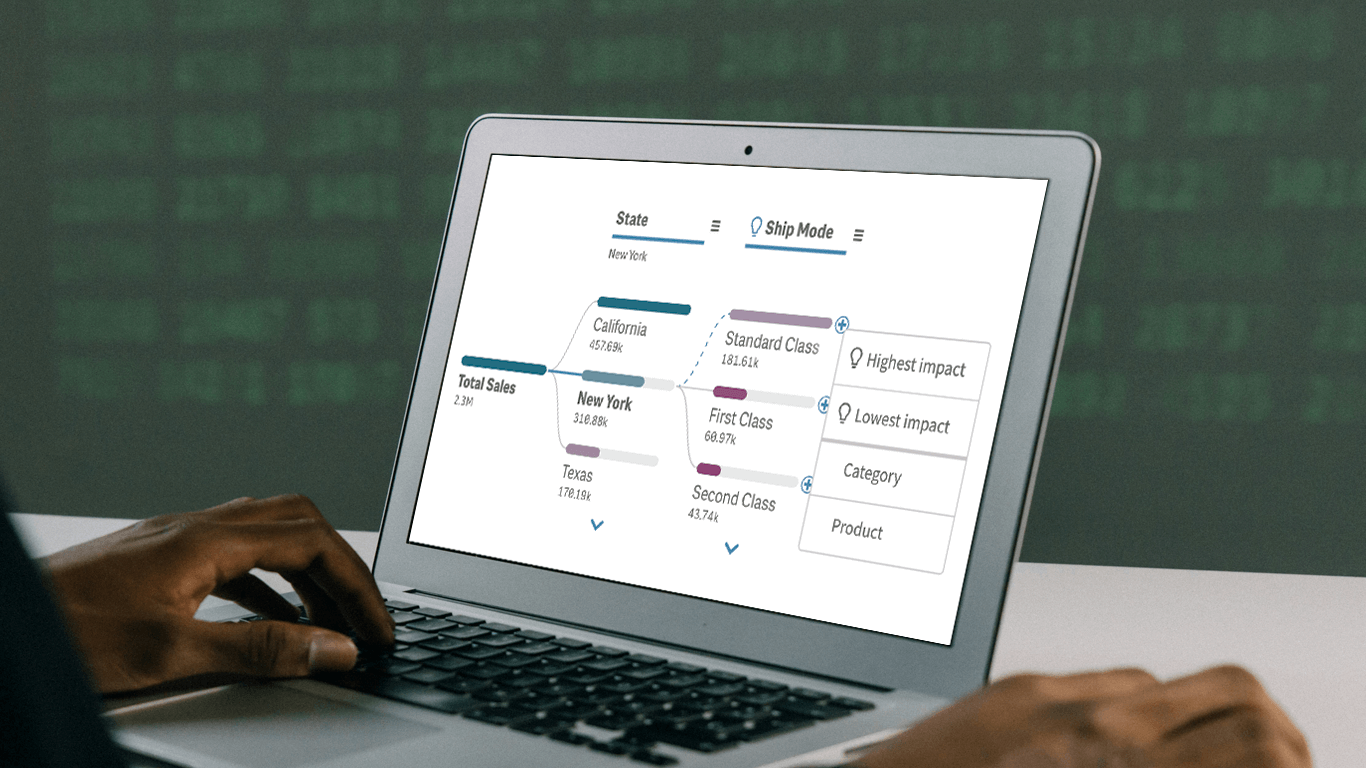 In today’s fast-paced business environment, rapidly understanding the underlying factors within vast amounts of data is crucial for informed decision-making. The Decomposition Tree in Qlik Sense excels at breaking down complex datasets to reveal the “why” behind the numbers. Now, with the game-changing AI Splits feature, this visual becomes even more powerful, automatically highlighting critical impacts and elevating root cause analysis to new heights.
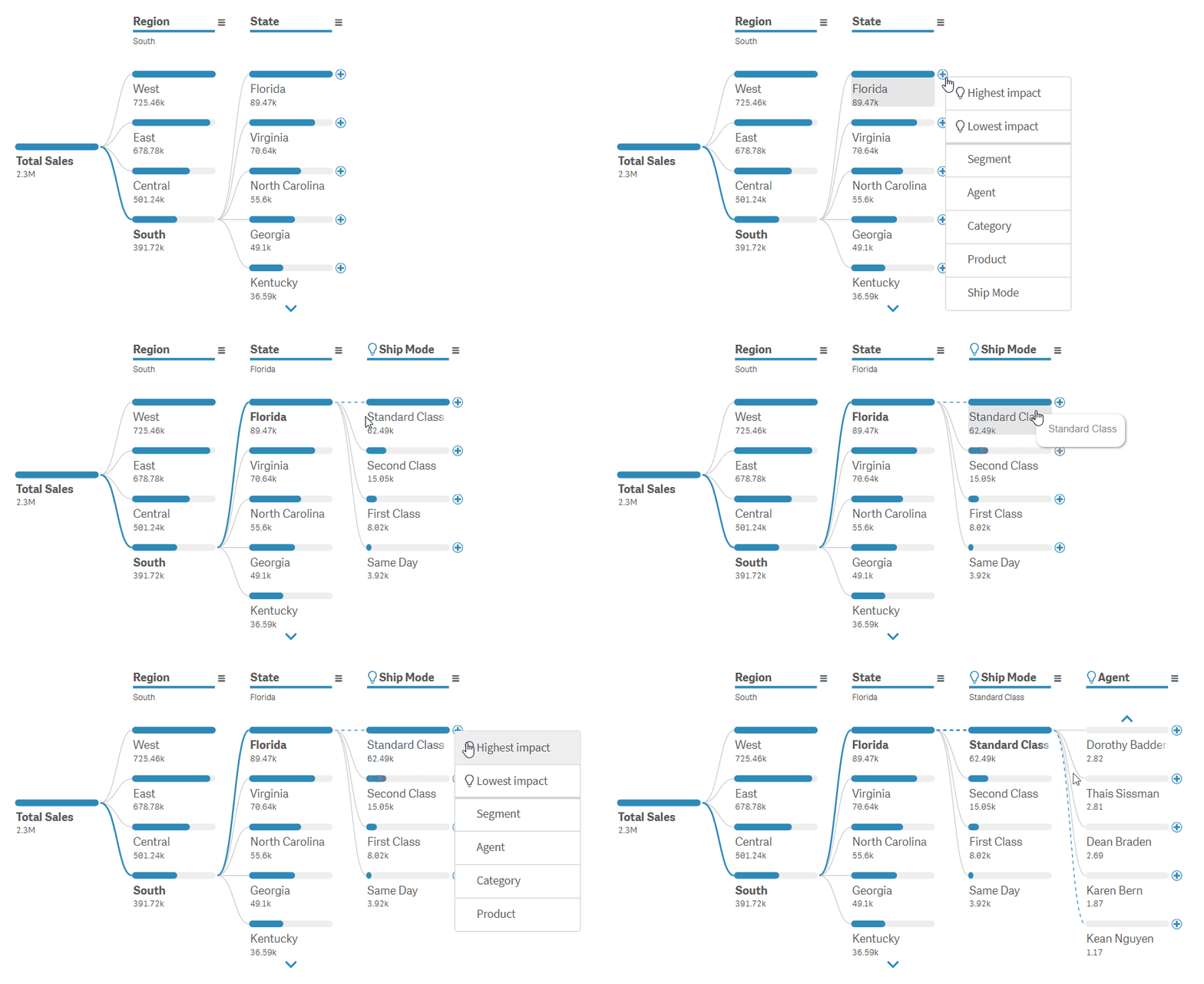
Let’s explore what makes AI Splits transformative and how to implement it.
Read more at qlik.anychart.com »
- Categories: Big Data, Business Intelligence, News, Qlik
- No Comments »
New AI & Visualization Features for Data Analysis in Qlik Sense
October 31st, 2024 by AnyChart Team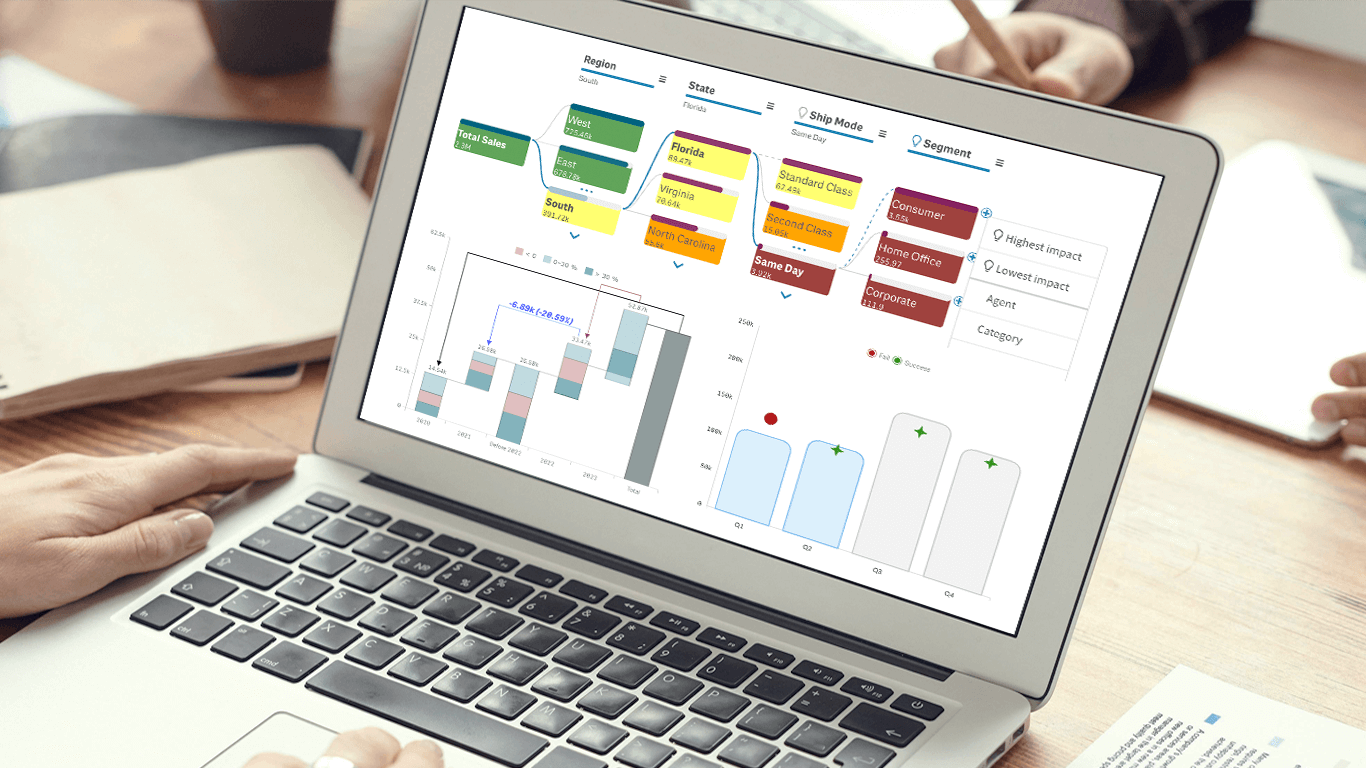 We’re excited to announce a series of updates to our extensions for Qlik Sense! They bring greater flexibility and precision to your data visualizations, allowing for uncovering deeper insights even more effectively. The most stunning new feature is AI Splits in the Decomposition Tree — let your users find the highest and lowest impacts with unprecedented speed!
Read on to learn what’s new at qlik.anychart.com »
- Categories: Big Data, Business Intelligence, News, Qlik
- No Comments »